
Short answer: if you want to stop a lightning spike from frying your monitor, a surge protector strip does that job fine, and you can get one for under fifteen dollars. If you want your desktop, router, and modem to stay running when the power actually cuts out, no surge protector on earth does that. You need a battery backup. The APC BE600M1 is the one I run in my own shop, and it is the one I point every remote worker toward once I explain the difference, because most people think they already own this protection and they do not.
I've been a licensed electrician for over twenty years, and I still get calls from people who lost work because they trusted a $12 power strip to do a UPS's job. It's an easy mistake. Both things look similar. Both have a row of outlets. Only one of them has a battery inside.
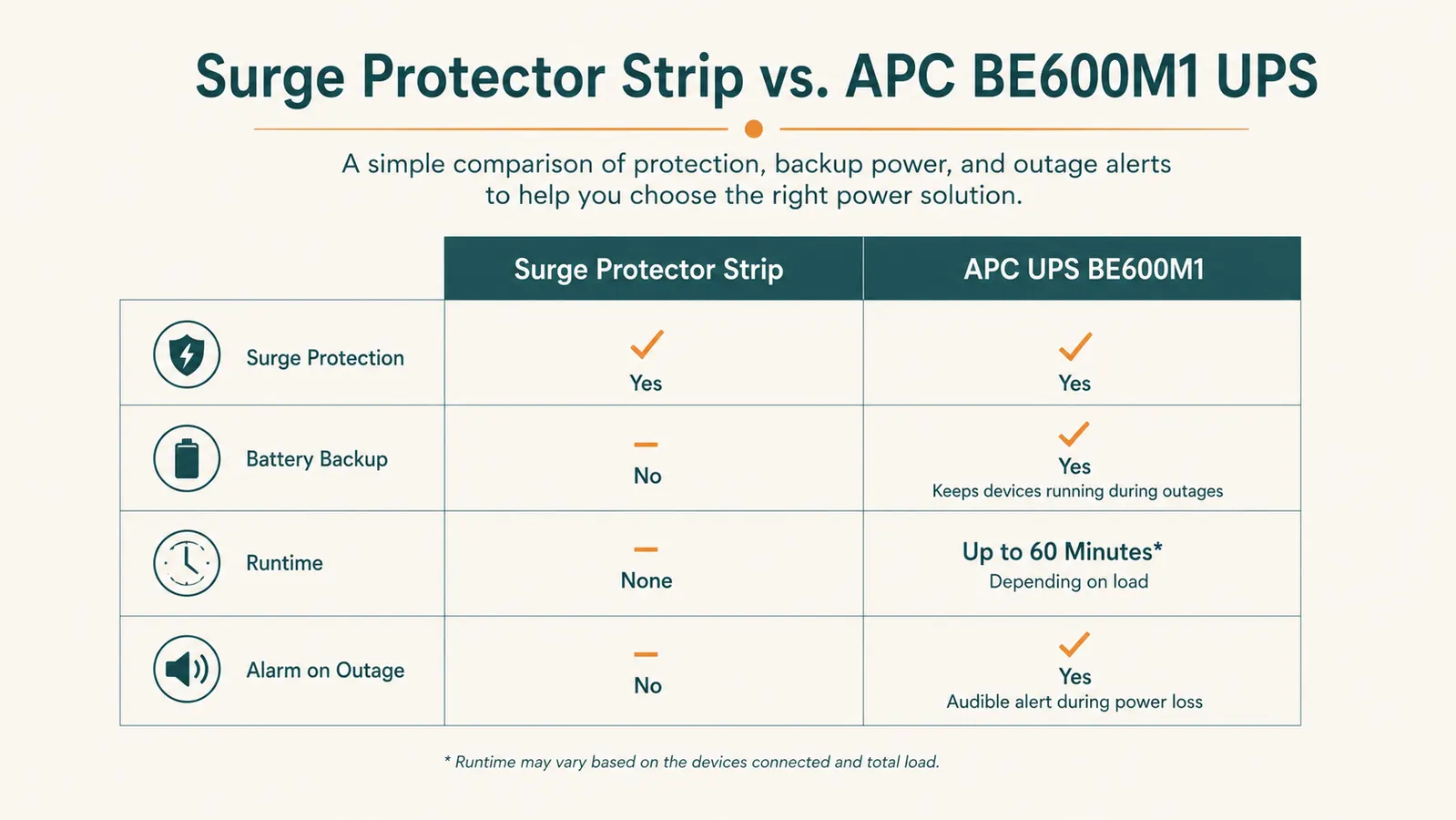
| APC UPS | a Basic Surge Protector | |
|---|---|---|
| What it actually does | Clamps voltage spikes, does nothing during an outage | Clamps spikes AND keeps power flowing from an internal battery |
| Price (typical) | $10 to $20 | $70 to $90 at today's price |
| Battery backup runtime | 0 minutes (no battery inside) | About 5-8 minutes for a desktop + monitor + router at typical load |
| Joule rating (surge absorption) | 200 to 900 joules on most budget strips | Comparable MOV surge protection built in, rated for the same job |
| Audible alarm on outage | No, silent, you find out when your screen goes black | Yes, beeps immediately so you can save your work |
| Protects against brownouts | No | Yes, switches to battery on sagging voltage |
| Lifespan before replacement | MOVs degrade silently after 1-2 major surges, often with zero warning | Internal battery typically lasts 3-5 years, unit tells you when it's failing |
| Weight / footprint | Light, flat strip, fits anywhere | Heavier, roughly the size of a small shoebox, needs floor or shelf space |
| Best for | Lamps, chargers, non-critical gear | Desktop tower, modem, router, monitor, anything mid-task can't afford to lose |
That runtime number matters more than it looks like on paper. Five to eight minutes doesn't sound like much, but it is not there to let you keep working through a blackout. It's there to give you time to hit save, close your applications properly, and shut the machine down without corrupting a file or a boot drive. I've had two outages in the past year where that alarm going off gave me just enough runway to save a client invoice I'd been working on for forty minutes. Without it, that's forty minutes gone and a small but real chance of a corrupted document or a botched Windows update on top of it.
The runtime you actually get depends on load, and this is where a lot of buyers get tripped up by the spec sheet. The BE600M1 is rated 600VA and 330 watts. A basic desktop tower, one monitor, and a router pulling maybe 120 to 180 watts combined will get you the 5 to 8 minute window I mentioned. Add a second monitor, a laptop charging brick, and a mesh WiFi node, and that window shrinks fast because you're closer to the unit's ceiling. I always tell people to plug in only what actually needs to survive the outage: the tower, the modem, the router, one monitor. Everything else, printer, desk lamp, phone charger, can go on the surge-only outlets or a separate strip, because none of that needs battery power to keep your work session alive.
Where the Surge Protector Wins
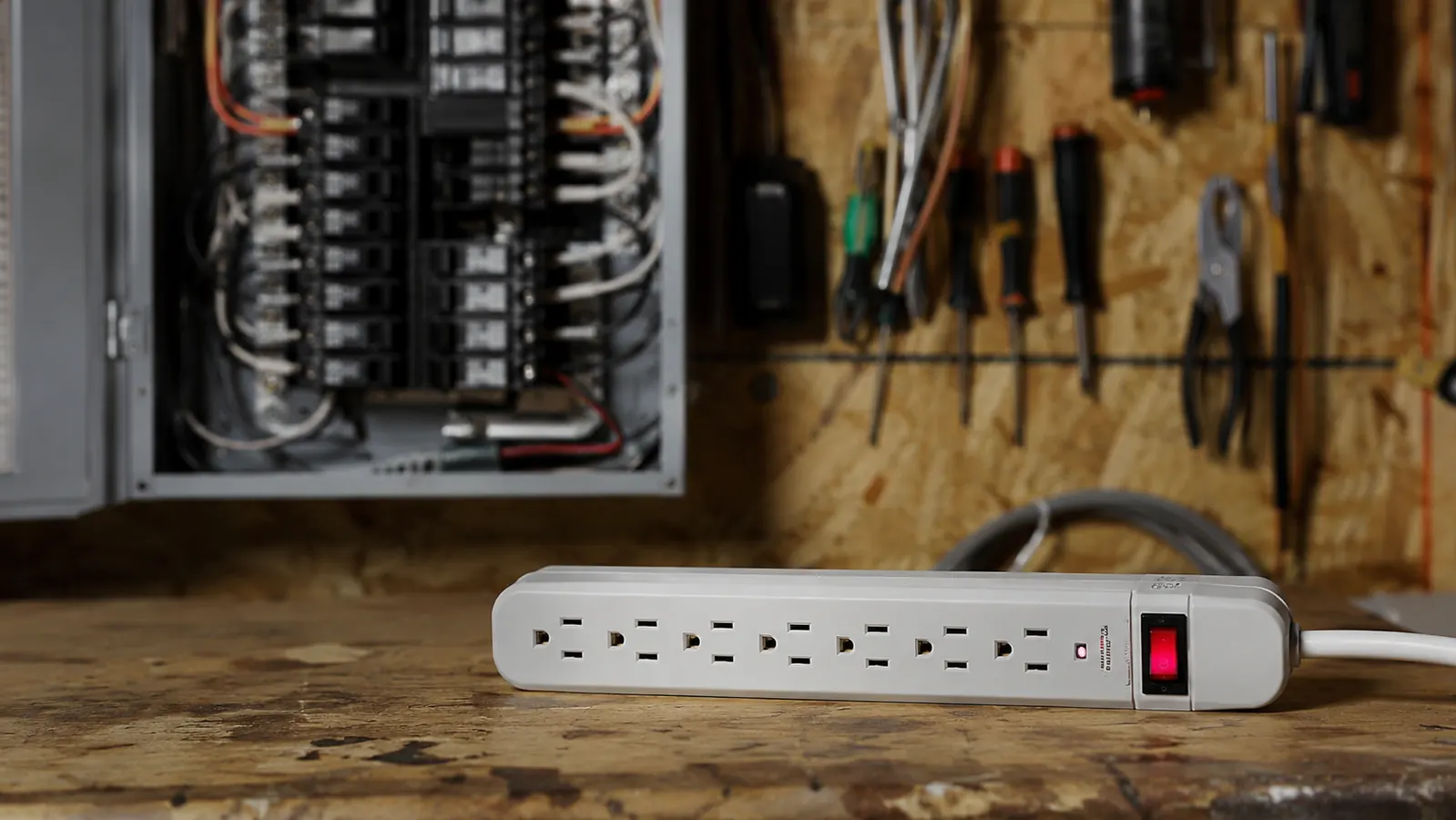
I'm not here to tell you surge protectors are useless. They're not. A good one with a real joule rating, not the $6 gas station special with a single LED and no actual MOV protection inside, does a legitimate job stopping the fast voltage spike that comes off a nearby lightning strike or the power grid switching load. That spike lasts microseconds and a surge protector reacts fast enough to clamp it before it reaches your gear.
They're also cheap, light, and you can run one on every lamp, phone charger, and shop tool in the house without thinking twice about the cost. For anything that isn't actively running a task you'd hate to lose, like a desk lamp or a phone charger, a surge protector is the right, proportionate tool. You don't need battery backup on a lamp, and buying a UPS for every outlet in your house would be a waste of money and floor space.
One thing worth knowing as an electrician: the MOV, the metal oxide varistor that does the actual surge clamping inside a cheap strip, wears out with every hit it absorbs. It doesn't fail all at once and it doesn't tell you when it's dead. After a big surge, or a handful of smaller ones over a few years, that strip can still power your gear just fine while providing zero surge protection at all. Most people never replace a surge strip until it physically stops working, which means a lot of homes have dead protection plugged into the wall right now and nobody knows it.
Your desktop and router deserve more than a spike clamp
The APC BE600M1 handles the surge protection AND keeps your machine alive through the outage itself, the part a strip can't touch.
Amazon Check Today's Price on Amazon →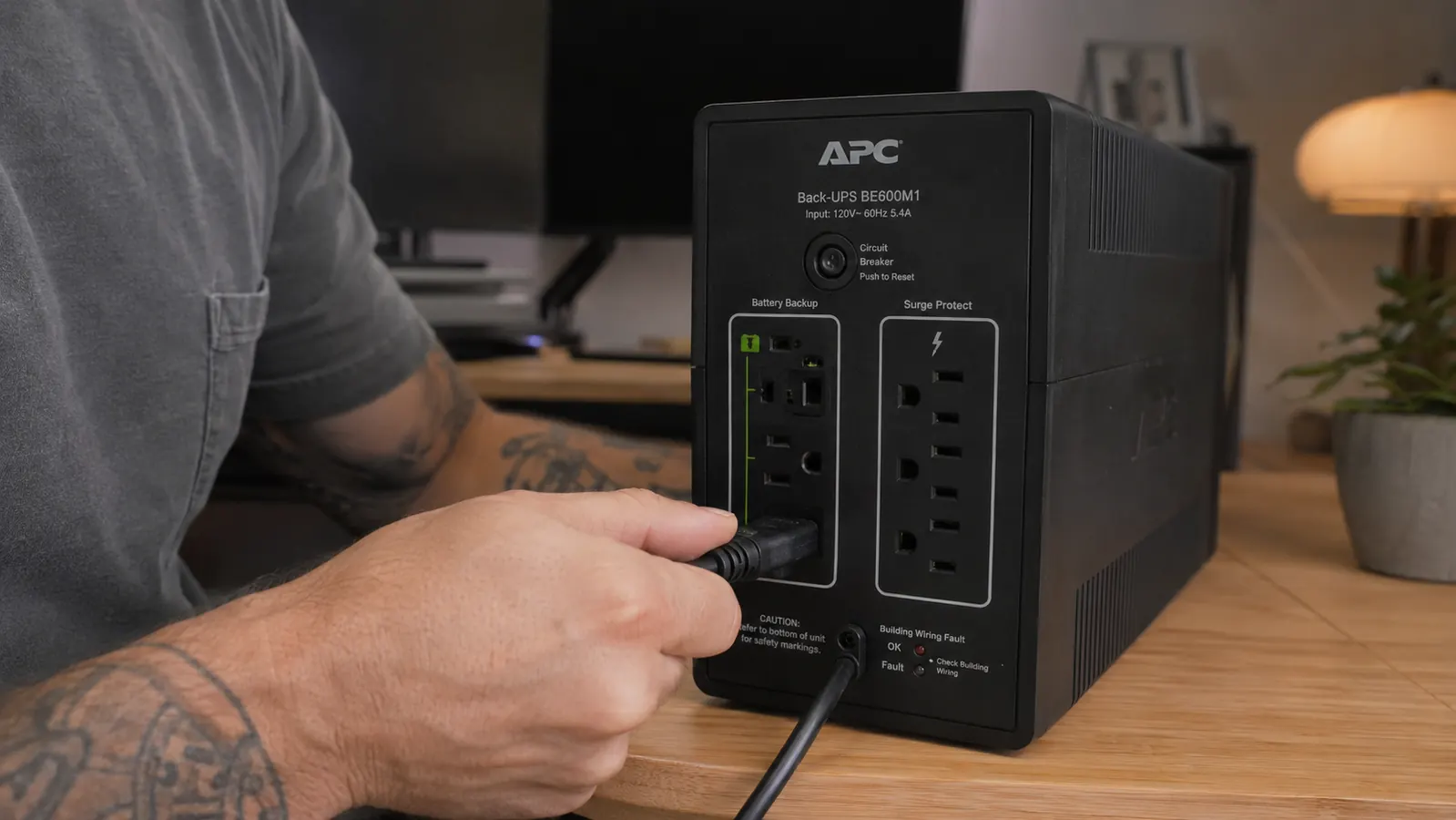
Where the APC UPS Wins
The moment the power actually drops, not spikes but drops to zero, a surge protector is just an inert piece of plastic. Your monitor goes dark, your router loses its connection, and depending on your setup, your desktop either shuts down hard or, worse, keeps limping along on a brownout voltage that can do more damage over time than a clean outage would. The BE600M1 is built specifically to catch that moment. It senses the drop in a few milliseconds and switches your connected gear to battery power before your monitor even flickers.
I've had it under my desk for six months and it has caught three real outages, all under two minutes long, all during storm season here in Texas. Every time, the same thing happened: three loud beeps, the desktop kept running without a hiccup, and the lights outside the window went dark while my monitor stayed lit. That's the entire value proposition in one sentence.
It also protects against brownouts, which are more common than most people realize and more damaging than a clean outage in some ways. When voltage sags instead of cutting out completely, a surge protector does nothing because there's no spike to clamp, just weak power. A UPS with automatic voltage regulation corrects that sag before it reaches your equipment. That's a feature most people don't know they need until an electrician like me points out that half their brownouts were probably shortening the life of their PSU for years. I've opened up more than a few desktop power supplies that failed early, and a steady diet of low voltage sag is a common contributor nobody thinks to blame.
The router and modem outlets matter more than people expect too. If your household internet drops the second the power blinks, you're not just losing your own connection, you're losing whatever call or upload was mid-transfer, and you're waiting on a modem to fully re-handshake with your provider, which can take a minute or two on its own even after power is restored. Keeping the modem and router alive through a short blink means your internet never actually notices the outage happened.
A surge protector is a seatbelt. A UPS is a seatbelt and an airbag. You can drive with just the seatbelt, but you're betting nothing bigger ever happens.
The Real World Difference in a Home Office
Picture a normal work-from-home Tuesday. You're forty minutes into a report, you haven't saved in a while because you never do, and the power blinks off for four seconds, the kind of blink that's too short to even reset your microwave clock. On a surge protector, that's a hard reboot. Your desktop restarts, your unsaved work is gone, and your router takes another ninety seconds to fully reconnect on top of it. On the APC unit, that four-second blink never reaches your desk at all. The battery picks up the load instantly and your monitor doesn't even flicker. You keep typing. You might not even notice it happened until you check the unit's log later.
That's the difference that actually shows up in a normal week, not the dramatic multi-hour blackout scenario people picture when they think about backup power. It's the four-second blinks, the brownouts during a heat wave when everyone's AC compressor kicks on at once, the momentary drop when a tree branch brushes a line half a mile away. Those are common. A surge protector is blind to every single one of them.
I've also had clients tell me their surge protector strip clicks or hums right before an outage, as if it's giving them a heads up. It isn't. What they're hearing is the strip's internal relay or a nearby transformer reacting to instability on the line, not any kind of warning system. A surge strip has no sensor, no alarm, and no way to tell you anything is wrong. The BE600M1's audible alarm is a genuine feature, not a coincidence, and it's one of the small details that separates a real UPS from a strip with a fancier name.
Who Should Buy Which
If your setup is a lamp, a phone charger, and a space heater, buy a decent surge protector and move on with your life. But if you work from a desktop, or your internet connection matters mid-task, or you've ever lost unsaved work to a random power blink, the APC BE600M1 solves a problem the strip was never built to solve. Keep a surge protector for the peripheral stuff, and put your desktop, modem, and router on the UPS. That's exactly how I have my own shop wired, and it's the setup I recommend to every client who asks me this question after losing a file for the second time.
If you're on a laptop instead of a desktop, the calculus changes a little, since your laptop already has its own internal battery buffering it against short blinks. Even then, I still put the router and modem on the UPS, because a laptop staying powered on does you no good if your internet connection drops out from under you mid-call or mid-upload. For a laptop-only office, the UPS mostly earns its keep by keeping the network alive, not the machine itself.
Stop finding out about outages when your screen goes black
The APC BE600M1 gives your desktop and router the few minutes you need to save your work and shut down clean, every time the power drops.
Amazon Check Today's Price on Amazon →