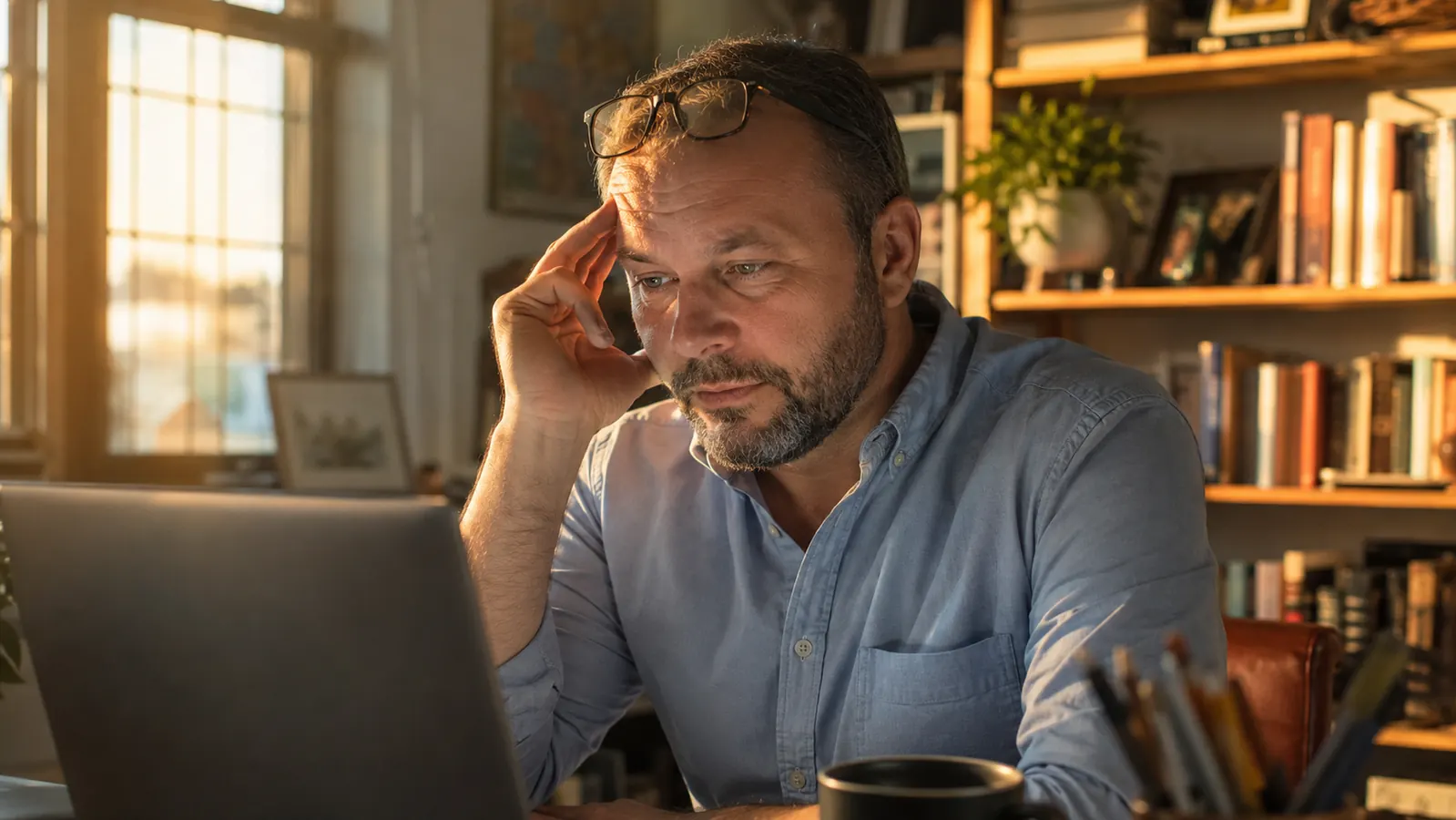
By 4 p.m. most days, my eyes used to feel like they had sand behind them. I run an electrical contracting side business out of a spare bedroom, and between quoting jobs, answering emails, and staring at spec sheets on a 24 inch monitor, I was easily clocking nine hours of screen time before dinner. The headaches started around month two of doing this full time. Not migraines, just that dull pressure behind the eyes that makes you want to lie down in a dark room.
I tried a few things before landing on a system that actually works. Blue light glasses are part of it, specifically a $13.57 pair from livho that I've now worn almost every workday for over six months. But the glasses alone didn't fix it. I bought a pair, wore them for two weeks, and still had headaches by Thursday. What actually fixed it was pairing them with a handful of habit changes that took less than a week to build once I stopped treating the glasses like a magic fix and started treating them like one tool in a bigger toolbox. This is that system, laid out step by step, in the order I'd tell a friend to tackle it.
Start with the cheapest fix on this list
Before you touch your lighting or your break schedule, get a pair of blue light glasses on your face. It's the one change here that takes zero willpower to maintain.
Amazon Check Today's Price on Amazon →Step 1: Get a real pair of blue light glasses on your face by 9 a.m.
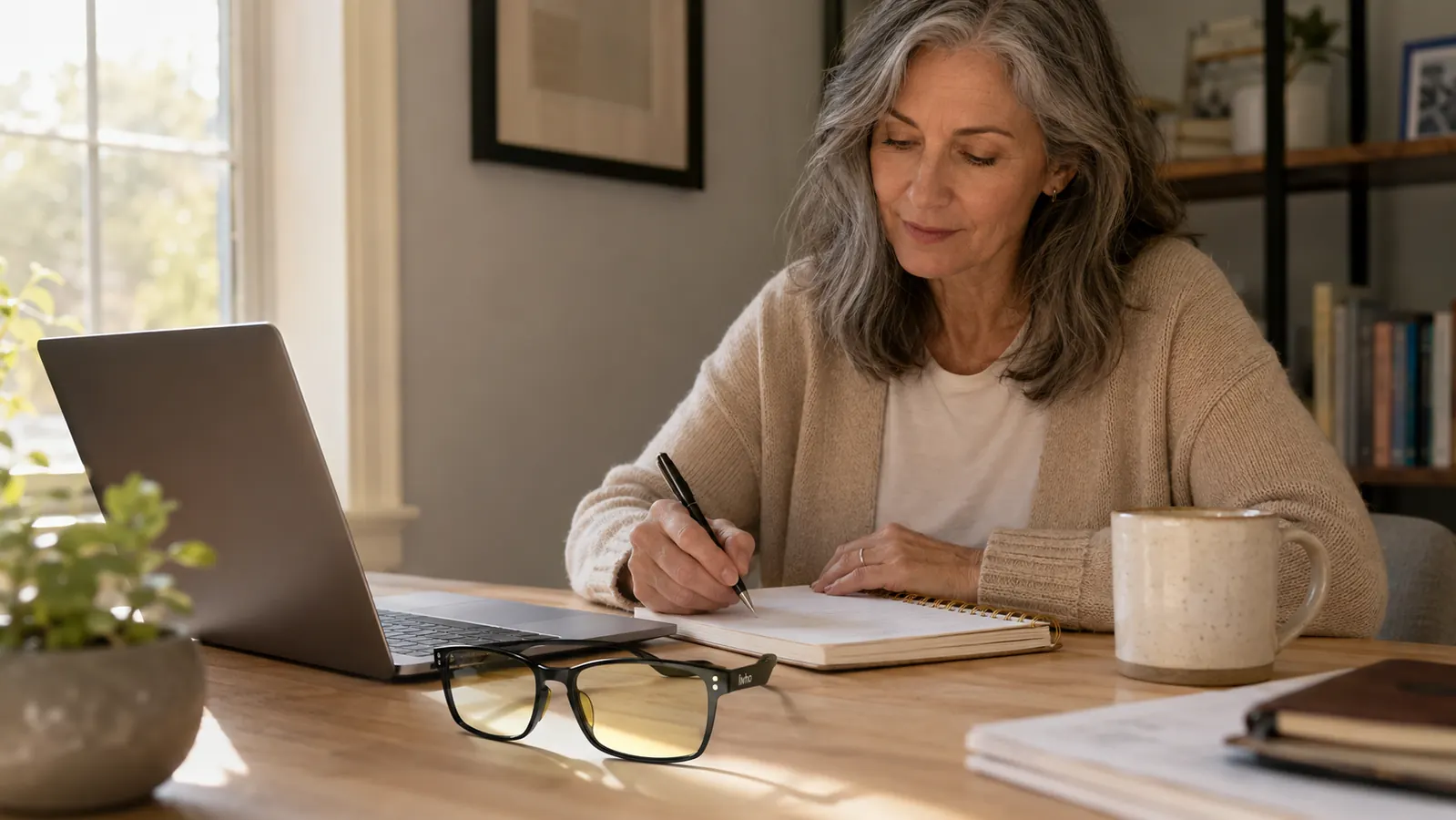
This sounds obvious, but the mistake I made for months was only reaching for glasses once my eyes already hurt. That is backwards. Blue light glasses work best as prevention, not rescue. Once the ache sets in, no amount of tint is going to undo the last six hours of strain. I keep my livho pair sitting on top of my keyboard, not in a drawer, not in a case, right where I will see them the second I sit down. If I have to go looking for them, I skip it, and by 3 p.m. I pay for that.
The livho pair has a light amber tint on the lens, noticeable but not the orange wraparound look you get from the drugstore night driving glasses. That matters because I wear these on video calls with clients, and nobody has asked me why my eyes look tinted or why I'm wearing sunglasses indoors. They also weigh almost nothing, which sounds minor until you have worn a heavier pair for eight hours and felt the pressure line behind your ears by lunch. I went through two other cheap pairs before this one that clamped down hard enough to give me a second headache source entirely unrelated to my screen.
Put them on before your first email of the day, not after your third headache. If you only remember one line from this whole guide, make it that one.
Step 2: Run the 20-20-20 rule on a timer, not on memory
Every eye doctor tells you the same thing: every 20 minutes, look at something 20 feet away for 20 seconds. I knew this rule for years and never once did it, because relying on memory during a focused work stretch never works. Your brain is busy pricing out a panel upgrade or replying to a client email. It will not interrupt itself, and telling yourself you'll remember is basically telling yourself you won't.
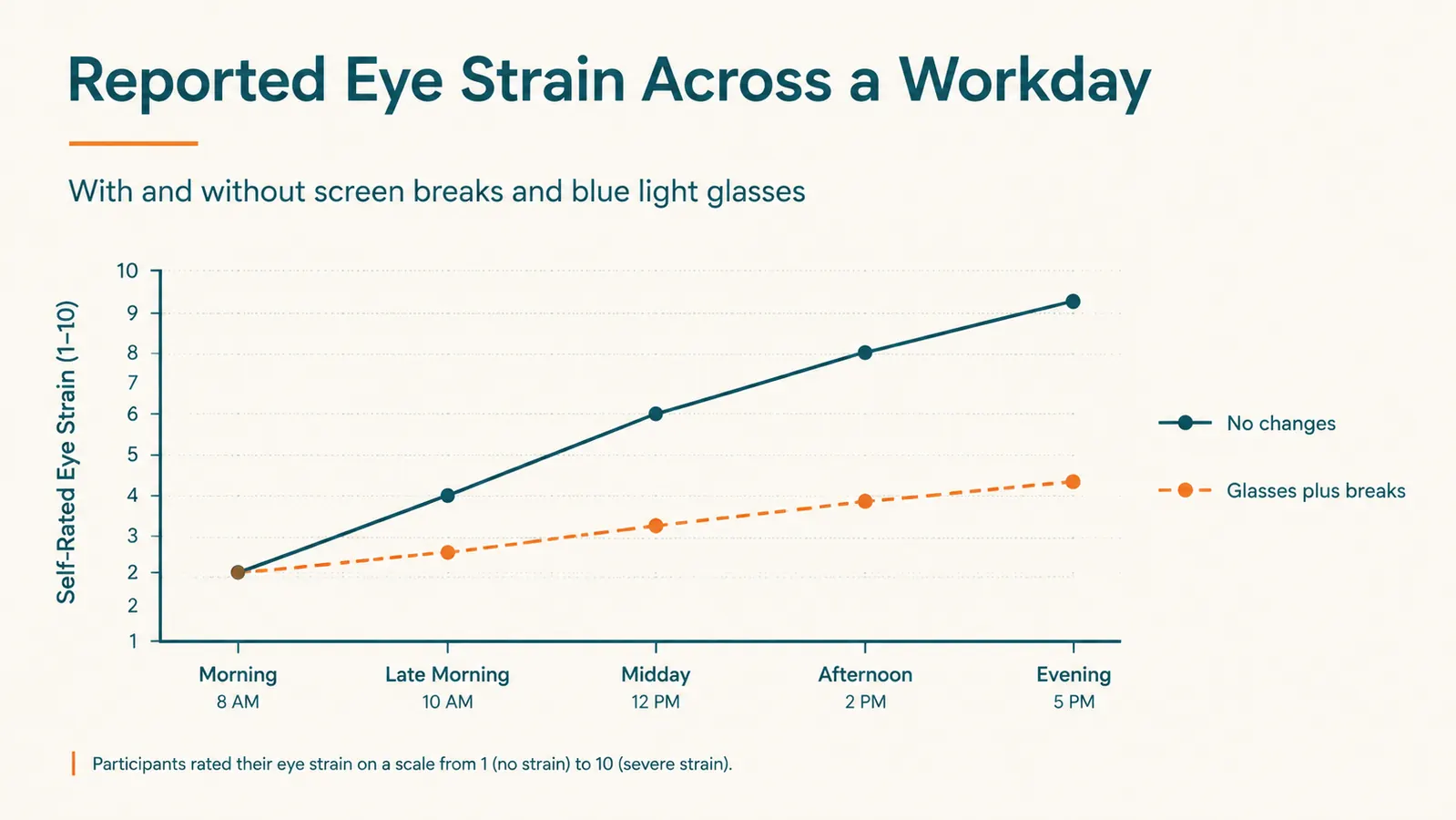
What changed things was setting a silent vibration timer on my phone, face down on the desk, for every 20 minutes. When it buzzes, I look out my window at a maple tree about 40 feet away for a slow count of 20. That is the whole step. It costs nothing and takes 20 seconds, but doing it 15 to 20 times a day instead of zero times a day is the difference between a headache at 3 p.m. and one at 7 p.m., or none at all most days now.
The glasses reduce the intensity of what is hitting your eyes all day. The 20-20-20 rule gives your focusing muscles an actual rest, the same way stretching gives a cramped muscle relief mid-workout. You need both. One without the other only gets you partway there, and I proved that to myself the hard way by running each one solo for a couple of weeks before combining them.
Step 3: Fix your overhead lighting before you blame the screen
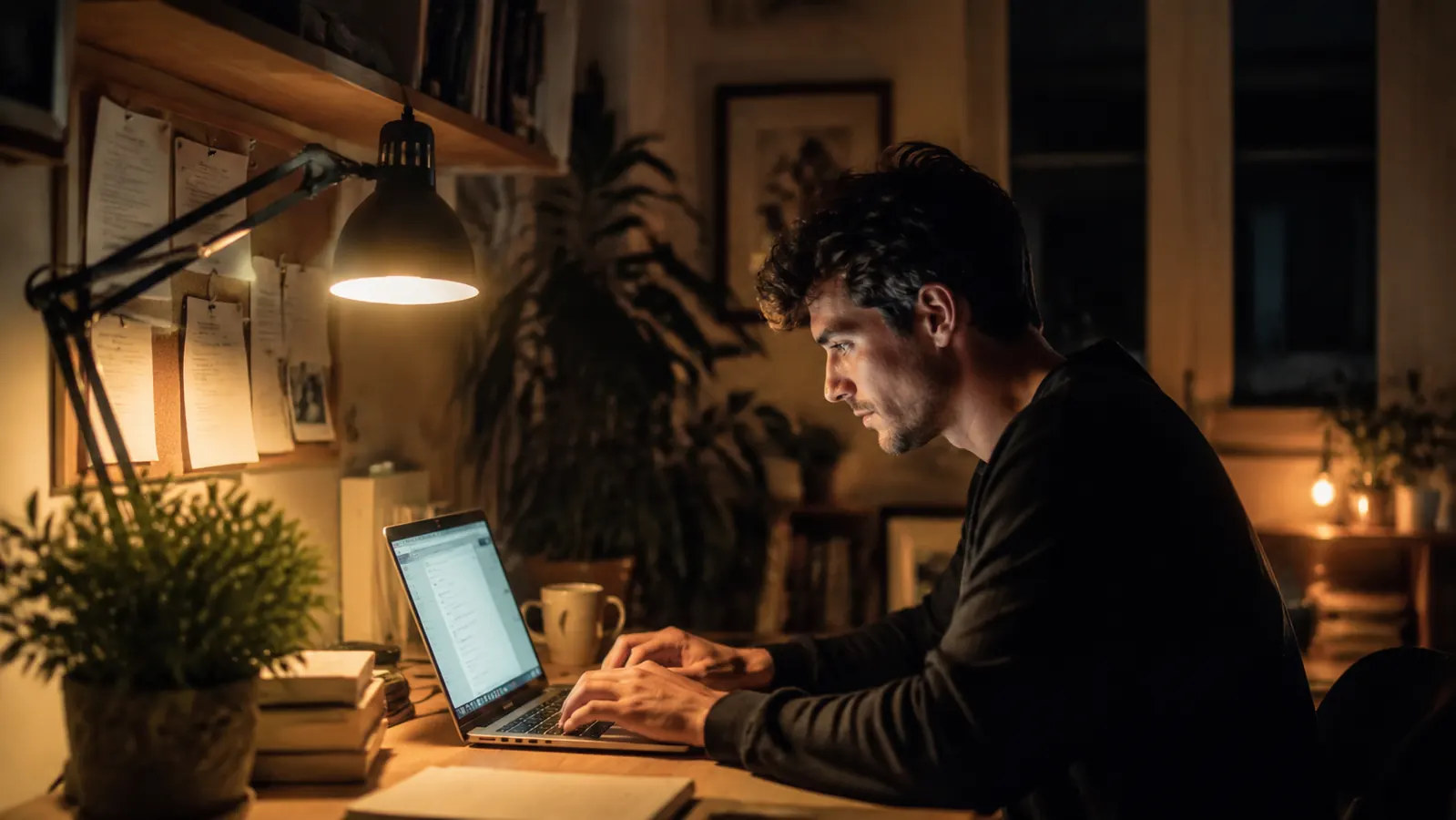
I spent a month thinking my monitor was the whole problem before I realized my overhead fixture was fighting my screen the entire time. I have a single ceiling light directly above my desk, a cool white 5000K bulb that was original to the house when we moved in. Cool white light stacked on top of a bright monitor creates a contrast your eyes have to constantly readjust to, especially in the afternoon when the sun outside shifts and the light in the room changes color temperature on its own.
I swapped that bulb for a warm white 2700K bulb and added a small desk lamp with an amber shade for evening work. The overhead light stays dimmer now, and the desk lamp does the close-up work when I'm marking up a set of plans on paper. Combined with the amber tint in the livho lenses, the whole desk feels warmer and less clinical by 6 p.m., which is exactly when my eyes used to be at their worst and when my wife used to ask why I looked like I'd been crying.
If you only do one physical change to your room, swap your overhead bulb for something warmer. It is an eight dollar fix that most people skip because it feels unrelated to eye strain. It is not unrelated. Contrast is a huge part of fatigue, and most home offices I've seen on client jobs have the exact same mismatch I had, a cool white ceiling light fighting a warm laptop screen.
Step 4: Adjust your screen brightness to match the room, not a fixed number
I used to leave my monitor brightness wherever it landed out of the box, usually cranked up because I set it up during a bright afternoon with sun pouring through the window. Then I would work at that same brightness at 9 p.m. in a dim room, which is like reading a book under a spotlight while the rest of the room sits in shadow. Your pupils are working overtime trying to adjust between the glare of the screen and the dark room around it, and that constant adjusting is its own source of fatigue.
Now I check brightness twice a day. Once in the morning when the room is bright, once after sunset when the room is darker. Most monitors and laptops have an auto-brightness sensor you can turn on, and if yours does, use it and stop thinking about it. If not, it takes 10 seconds to drag the slider down in the evening. Pair a dimmer screen with the livho tint and the difference by night is noticeable within the first week, especially on the drive to bed when you're not squinting at your phone the second you put the laptop down.
A useful gut check: if you can see your own reflection clearly in the screen behind whatever is on it, the room is too dark for the brightness you have set. Turn the screen down or turn the room up. I use this trick more than any app or setting, because it takes zero setup and works on any device.
Step 5: Stack a real posture and distance check on top of everything else
None of the above matters much if your monitor is sitting 15 inches from your face because your desk is too small, which was my setup for the first year of working from home in a spare bedroom that was never built to be an office. Eye doctors generally recommend 20 to 28 inches from eye to screen, roughly an arm's length. I measured mine with a tape measure, felt a little ridiculous doing it standing there with a tape measure stretched from my nose to the monitor, and found I was sitting at 16 inches, hunched forward toward a small screen just to read fine print on spec sheets.
I pushed the monitor back, bumped the font size up two clicks so I did not need to lean in to compensate, and that alone cut a good chunk of the tension I used to get around my temples by midafternoon. The glasses and the lighting changes handle the light quality hitting your eyes. This step handles the physical strain of your eye muscles constantly refocusing at close range for hours on end. Do this one last, after the others are already habits, because it usually means rearranging your desk and maybe your monitor arm, and that is a lot easier to tackle once you already believe the smaller stuff is working.
I'd also add, if you wear any kind of prescription lenses already, don't assume blue light glasses are only for people who see fine without correction. livho and most other budget brands make non-prescription pairs that fit comfortably over readers or slide on in place of your regular glasses if your prescription is mild. I wore mine over a cheap pair of readers for the first two months before switching to prescription blue light lenses through my eye doctor, and the combination worked fine in the meantime.
The glasses are not magic. They are one piece of a system, and the system is what actually gets you to 6 p.m. without a headache.
What Else Helps
A few smaller things stacked on top of the five steps above and worth mentioning before you go build your own version of this. I switched my phone to warm color temperature after 6 p.m., which matters more than people expect since a lot of us check email on a phone right after closing the laptop, undoing half the benefit of dimming the desk. I also started blinking on purpose during long reading stretches, since screen focus genuinely cuts your blink rate roughly in half according to more than one study I read while trying to fix this, and dry eyes make fatigue feel worse than it is. A cheap bottle of preservative-free artificial tears on the desk has helped more than I expected too, especially in winter when the furnace dries the whole house out. None of these replace the five steps above. They just tighten the gaps between them, and together the whole thing turned my worst hours of the day back into normal ones.
The one piece of this system you can start today
Lighting fixes and timer habits take a week to build. A pair of blue light glasses works the moment you put them on. Grab a pair and start step one tonight.
Amazon Check Today's Price on Amazon →